
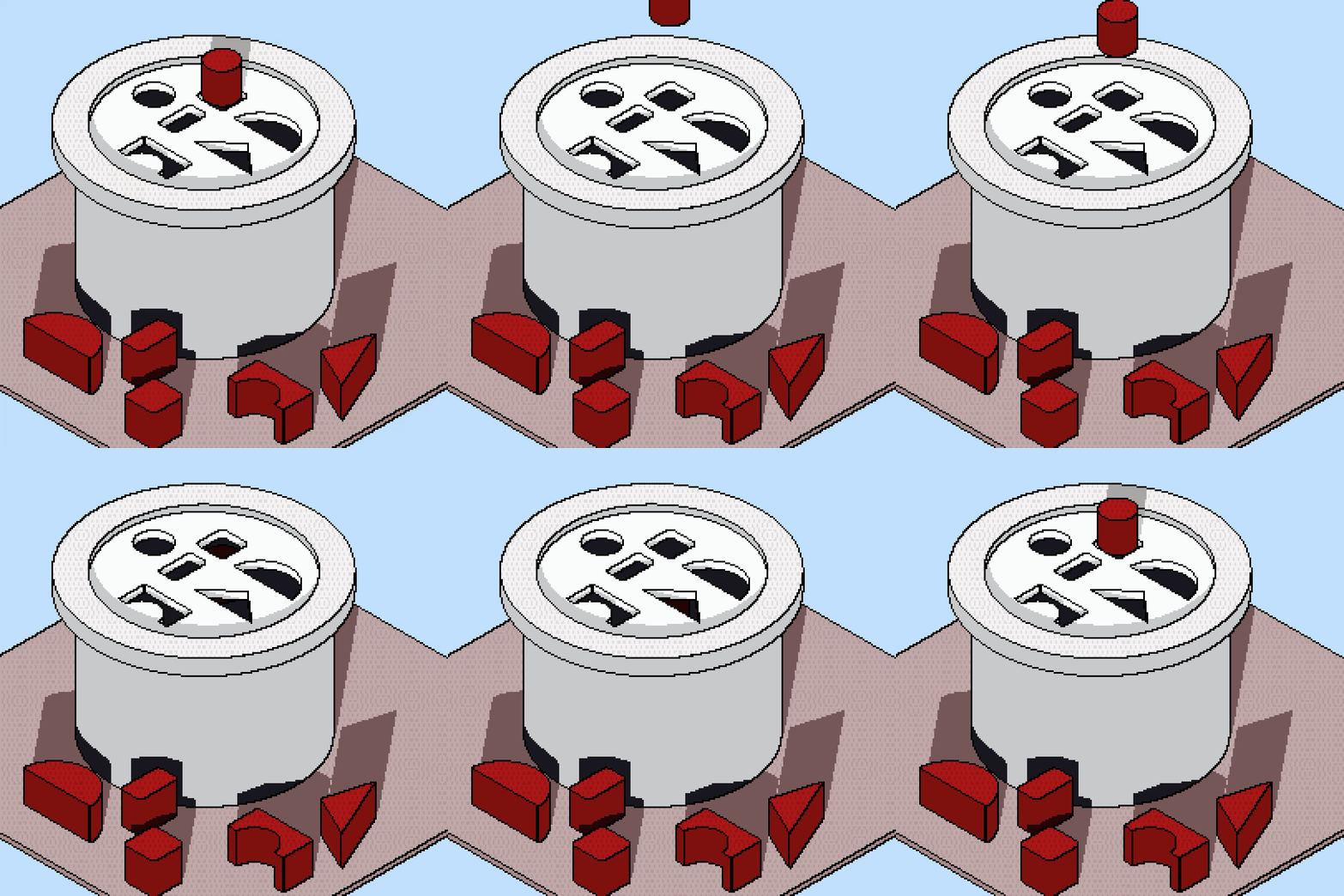
My first 3d art creation.

Dountnothere

Lazy Artist, and even lazier writer…
Joined
Dec 23, 2018
Messages
374
Points
133
my first time trying 3d art. I used project Neo(web app) by adobe. I want to create this feather 3d(iPad app) bc neo doesn’t have any 3d file exports. It’s in beta rn so they’ll probably add more features in later. I would have liked to use an animation timeline as well. So far there’s only limited animations movement.

 
Last edited:

Sunsetinapainting

A Mother's good child. (PSYCHOLOGIST)
Joined
Dec 24, 2025
Messages
65
Points
33
Well all I can say Is. That you tried your very best ok I love the fact that you can assemble something like this using you imagination. Practise makes Perfect.
 

yakusu

Well-known member
Joined
Feb 26, 2023
Messages
26
Points
68
Neo doesn't have a 3D exporter because the model doesn't have any mesh topology, and it's an AI-integrated app. They are basically not a 3d in the traditional sense, like Blender, ZBrush, Maya, etc., but a vector based 3d. It only focuses on the vector, like an SVG file, not an FBX or OBJ file. Basically, Neo is just a vector image, but you can rotate it or use it as a dimensional design.
It focuses on graphic design, so Neo won't have complex features like good animation features or a 3D exporter.
If you want to have good animation, Neo needs to integrate with After Effects.
Basically, the workflow will be like this
Design your model in Adobe Illustrator. After that, import it into Neo as SVG. This SVG will become 3d in Neo. After that, export it as SVG and import it into After Effects. In After Effects, you can use all the features AE has to animate the model.
 

tiaf

ゞ(シㅇ3ㅇ)っ•♥•Speak fishy, read BL.•♥•
Joined
May 29, 2019
Messages
3,069
Points
183
Haven’t gone through the donut tutorial on blender yet.
The pic wouldn’t load properly last time I looked. Now I can see it. But hey at least you got through the tutorial
 

Dountnothere

Lazy Artist, and even lazier writer…
Joined
Dec 23, 2018
Messages
374
Points
133
The pic wouldn’t load properly last time I looked. Now I can see it. But hey at least you got through the tutorial
Ah I see. It seemed fine from my end then I changed it and worked again.
Neo doesn't have a 3D exporter because the model doesn't have any mesh topology, and it's an AI-integrated app. They are basically not a 3d in the traditional sense, like Blender, ZBrush, Maya, etc., but a vector based 3d. It only focuses on the vector, like an SVG file, not an FBX or OBJ file. Basically, Neo is just a vector image, but you can rotate it or use it as a dimensional design.
It focuses on graphic design, so Neo won't have complex features like good animation features or a 3D exporter.
If you want to have good animation, Neo needs to integrate with After Effects.
Basically, the workflow will be like this
Design your model in Adobe Illustrator. After that, import it into Neo as SVG. This SVG will become 3d in Neo. After that, export it as SVG and import it into After Effects. In After Effects, you can use all the features AE has to animate the model.
I have do have AE and Would like Neo to work with AE. I am familiar with illustrator. however the current export doesn’t save all the layers for each component. It saves it as an SVG image which is what I don’t need.
 

Dountnothere

Lazy Artist, and even lazier writer…
Joined
Dec 23, 2018
Messages
374
Points
133
Top